1. Delete your account in the app
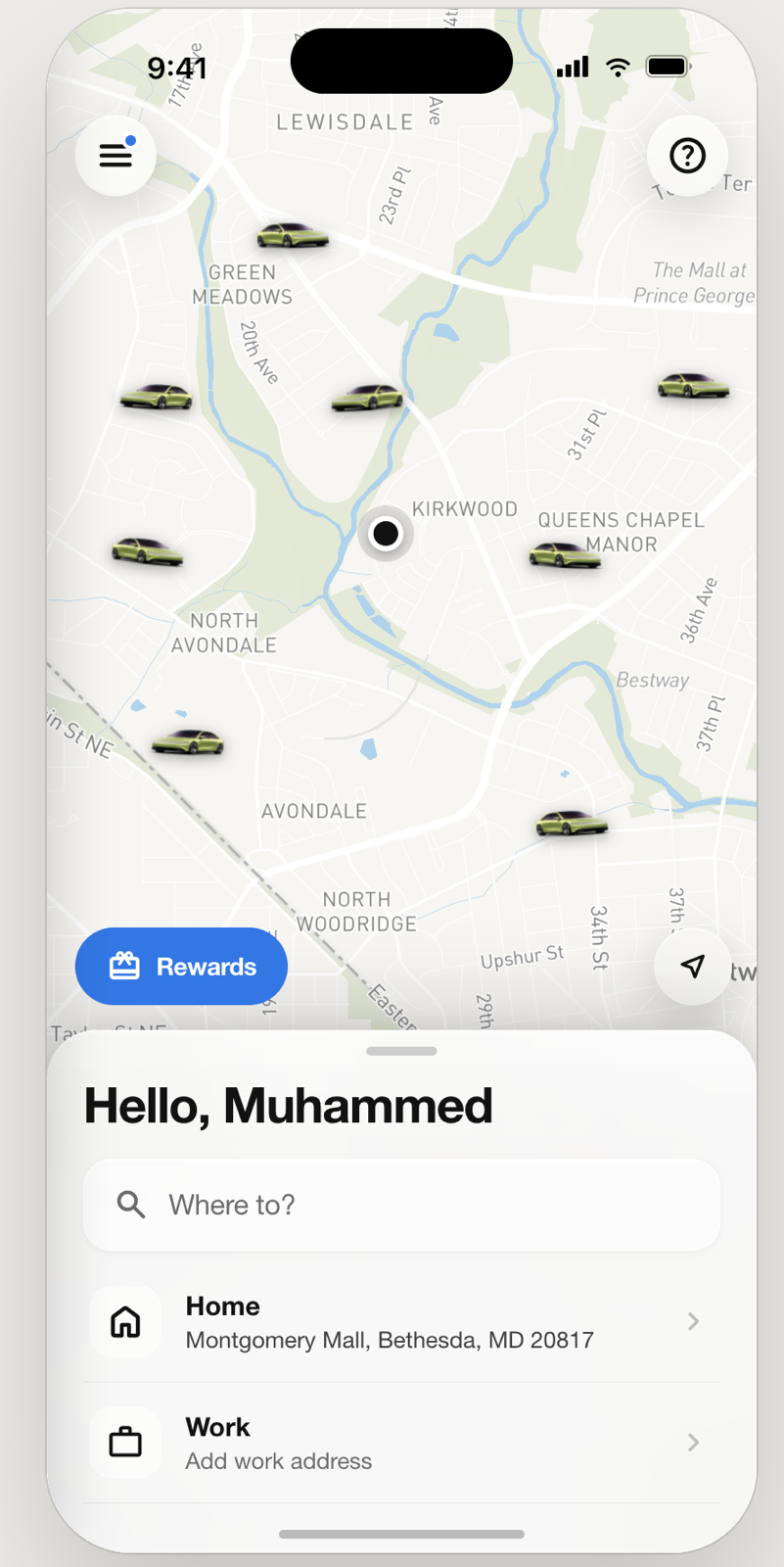
DashDrop rider app
- Open DashDrop and sign in.
- Open Profile.
- Choose Delete account.
- Read the consequences and confirm Delete.
DashDrop Driver app
- Go offline and finish or cancel any active job.
- Open Settings.
- Choose Delete account.
- Read the consequences and confirm Delete.
The request signs you out and disables the account after it is accepted. Deleting the app from your phone does not delete your DashDrop account.
2. Request deletion without the app
Email privacy@dashdrop.ke from the email connected to your account, or include the phone number used to sign in and state whether the account is a rider or driver account. Use the subject Account deletion request.
DashDrop will verify account ownership through a trusted contact already associated with the account. Never send a password, M-Pesa PIN, card PIN or one-time sign-in code. A request will not be refused only because you no longer have the app.
3. Data deleted or anonymised
After a verified request is accepted, DashDrop disables login, revokes active sessions and deletes or anonymises personal data that is no longer needed. This includes, as applicable:
- the account name, optional email, profile image and direct phone identifier;
- saved places, favourite-driver selections and notification preferences;
- active device and push-notification tokens;
- unused payment credentials or tokens that are not part of a required transaction record; and
- support content and uploaded documents when they are not connected to an unresolved safety, fraud, payment or legal matter.
DashDrop may anonymise a record instead of deleting it when the remaining record can no longer reasonably be linked to you and is needed for service measurement, accounting or platform integrity.
4. Data that may be retained
Some records cannot be erased immediately because DashDrop, another user or an authority may need them for a legitimate and lawful purpose. These may include:
- ride, delivery, receipt, payout, ledger, tax and reconciliation records;
- safety incidents, insurance matters, fraud signals, charge disputes and account-enforcement records;
- records needed to establish, exercise or defend a legal claim; and
- information an applicable law, court, regulator or law-enforcement authority requires DashDrop to preserve.
Retained records are restricted to the relevant purpose and retention period, and direct identifiers are removed or minimised where reasonably possible. See How long information is kept in the Privacy Notice.
5. Verification, timing and active services
An authenticated in-app request begins processing after confirmation. A request made without the app requires ownership verification before DashDrop changes the account. DashDrop will confirm the result through the verified contact channel where reasonably possible.
Deletion is blocked while a rider has an active trip or while a driver is online or has an active job. Outstanding balances, refunds, charge disputes, payouts or safety investigations may need to be resolved before related records can be closed, but they do not permit DashDrop to keep unrelated profile data indefinitely.
6. What deletion means
Account deletion is intended to be permanent. You will lose access to ride or delivery history, saved places, favourites, account preferences and in-app support history. A driver may also lose access to onboarding status, documents, vehicle records, earnings views and future offers.
Download or save any receipts and information you need before confirming. Creating another account later does not restore the deleted account, ratings, promotions, eligibility or preferences.
7. Questions or a delayed request
If you have not received a verification or status update, email privacy@dashdrop.ke and include the date of your request. For a complaint about how a deletion request was handled, follow Complaints and Appeals.
You may also complain to Kenya’s Office of the Data Protection Commissioner at odpc.go.ke. This page does not limit any right available under applicable data-protection law.